Why Calendar-First Trip Planning Works Better Than Lists
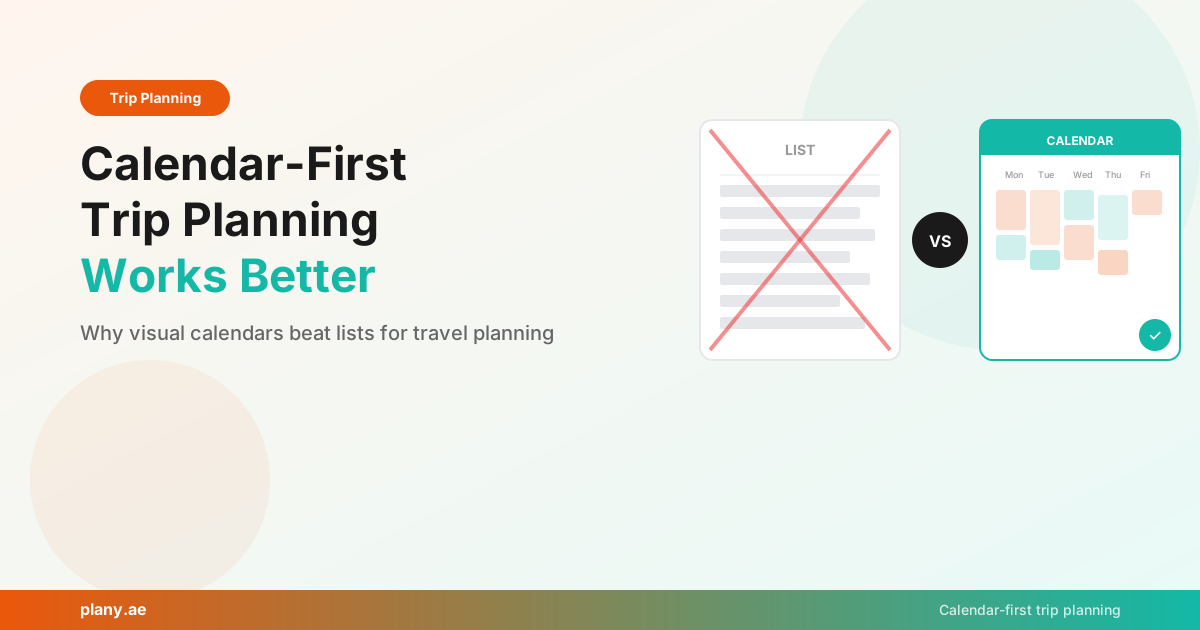
Every trip planner on the market works the same way: type a destination, get a list of suggestions, maybe reorder them. It's been the default approach for years. But lists have a fundamental problem — they don't reflect how travel actually works.
Travel happens in time. You wake up, have breakfast, visit a temple at 9 AM, grab lunch, explore a neighborhood in the afternoon, and find a restaurant for dinner. That's a schedule, not a list. And yet most planning tools ignore this completely.
The Problem with List-Based Planning
When you plan a trip as a list, you naturally overpack. "Visit the Louvre, see the Eiffel Tower, walk through Montmartre, explore Le Marais, check out Sacré-Cœur, try a cooking class..." The list grows because there's no visual constraint telling you that six major activities don't fit into one day.
Then you arrive in Paris and reality hits. The Louvre alone takes 3-4 hours. By the time you've walked to lunch and recovered, it's mid-afternoon. Half your list is unrealistic, and you spend the trip feeling behind instead of enjoying it.
Lists also hide conflicts. Two places on opposite sides of a city look fine next to each other on a list but would take an hour of transit between them. You don't see this until you're actually trying to get there.
What Calendar-First Planning Looks Like
In Plany, your trip is a visual calendar. Each day is a column. You add activities to specific time slots — morning, afternoon, evening — and you immediately see how full each day is.
This changes how you plan in three important ways:
You plan realistically. When you see that Tuesday already has a museum visit and a walking tour, you naturally move the cooking class to Wednesday instead of cramming it in. The calendar provides built-in pacing.
You see geographic flow. When your morning activity and afternoon activity are both visible on the same day, you can think about whether they're near each other. Plany auto-segments trips by city, so you can group your Kyoto days together and your Osaka days together.
You balance busy and rest days. A calendar makes it obvious when you've packed three days solid and left two days empty. You can spread things out with a simple drag-and-drop.
The Google Maps Bridge
Most of us don't start trip planning in a planner — we start in Google Maps. You're browsing Instagram, someone mentions a restaurant in Lisbon, and you save it to a Google Maps list. Over weeks or months, you accumulate dozens of saved places.
The problem is getting those saves into an actual plan. Plany solves this by letting you paste a Google Maps list URL and importing every place automatically. They show up on your calendar ready to be assigned to specific days.
This bridges the gap between casual "I want to go there someday" saving and structured "here's what we're doing on Thursday" planning.
Collaboration That Actually Works
Group trip planning usually goes like this: someone creates a Google Doc, people add suggestions, the document grows into chaos, and eventually one person takes over and makes all the decisions.
Calendar-based collaboration is different. Everyone sees the same visual schedule. Adding a restaurant to Wednesday evening is a concrete action, not a suggestion buried in a document. You can see what your travel partner added and how it fits with the rest of the day.
Plany supports viewer and editor permissions, so you can let some people suggest while others make the final call.
When to Use a Calendar vs. a List
Lists still have their place. For early-stage brainstorming — "what are all the things we could do in Barcelona?" — a list works great. The mistake is stopping there.
The workflow that works best:
- Brainstorm with a list (or let AI generate suggestions)
- Organize on a calendar (assign activities to specific days and times)
- Refine by dragging things around until the schedule feels balanced
- Share the calendar with travel companions for final adjustments
Plany is designed for steps 2-4. If you use ChatGPT or Claude for step 1, the AI can even place suggestions directly onto your Plany calendar, skipping the manual transfer.
Try Calendar-First Planning
If you've been planning trips with lists, spreadsheets, or Google Docs, try the calendar approach for your next trip. The visual constraint of fitting activities into real days makes plans that actually survive contact with reality.
Sign up free at app.plany.ae and see the difference a calendar makes.
Plany Team
Writing about travel planning, AI-powered itineraries, and building better tools for travelers at Plany.
Start planning your next trip — free
Drag, drop, and organize your itinerary on a visual calendar. Add AI suggestions, photos, and share with friends.
Get Started FreeGet travel planning tips
Join our newsletter for trip planning guides, destination ideas, and Plany product updates.