How to Plan Trips with AI Using ChatGPT and Claude
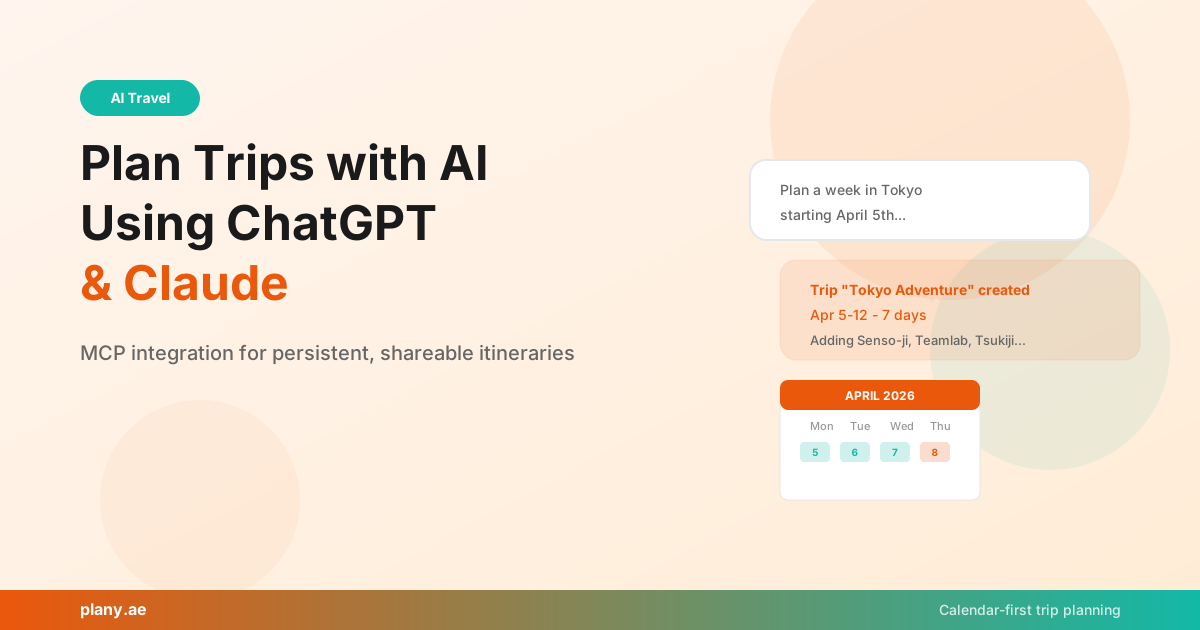
AI chatbots are surprisingly good at helping plan trips. Ask ChatGPT or Claude for a "7-day Japan itinerary" and you'll get a solid starting point in seconds. But here's the problem everyone hits: the conversation ends, you close the tab, and all those recommendations vanish into thin air.
There's no map. No calendar. No way to share the plan with your travel partner. You end up copy-pasting suggestions into a spreadsheet, which defeats the whole purpose of using AI in the first place.
We built Plany to solve exactly this problem.
What If Your AI Could Save Plans Directly to a Calendar?
Plany is a calendar-first trip planner — meaning your trip is organized on a visual calendar where each day is a column, not buried in a list. You drag activities between days, see your itinerary at a glance, and share it with friends who can edit alongside you.
But the part that changes everything: Plany connects directly to ChatGPT and Claude. When you chat with your AI about trip ideas, it doesn't just give you suggestions — it creates the trip, adds activities to specific days, searches for real places, and saves everything to your Plany account automatically.
No more copy-pasting. No more lost conversations.
How It Works with Claude (via MCP)
MCP — Model Context Protocol — is a standard that lets AI assistants use external tools. Think of it like giving Claude hands to work with. When you connect Plany as an MCP server, Claude can:
- Create a new trip with your dates and destination
- Search for places — restaurants, attractions, hotels — using Google Places data
- Add events to specific days and times on your calendar
- View your existing trips and make modifications
- Manage your itinerary — move things around, add notes, set times
Here's what a typical conversation looks like:
You: I'm planning a week in Tokyo starting April 5th. Create a trip for me.
Claude: Done — I've created "Tokyo Adventure" from April 5–12. Want me to add some must-see spots?
You: Yes, add Senso-ji Temple on day 1 morning, then Teamlab Borderless in the afternoon. Day 2 should be a food tour in Tsukiji.
Claude: All added to your calendar. I've also set times based on typical visit durations. Your day 1 has Senso-ji at 9 AM and Teamlab at 2 PM. Day 2 has the Tsukiji food tour at 10 AM. Want me to find a good ramen spot for dinner on day 1?
Everything Claude suggests gets saved directly to your Plany calendar. You can then open app.plany.ae, see it all laid out visually, tweak the times, and share the link with whoever you're traveling with.
How It Works with ChatGPT
Plany is also available as a ChatGPT App. The experience is similar — you chat naturally about your trip, and ChatGPT uses Plany's tools to create and manage your itinerary. The difference is that with ChatGPT, the integration works through OpenAI's app system rather than MCP.
Both options give you the same result: an AI that doesn't just talk about travel plans but actually builds them for you.
The Calendar Advantage
Most AI trip planners generate an itinerary and hand it to you as a document. Plany takes a fundamentally different approach:
Visual planning. See all seven days of your trip side by side. Notice that you've packed too much into Tuesday and Wednesday is empty? Drag an activity over.
Auto-segmentation. Planning a trip that spans Tokyo, Kyoto, and Osaka? Plany automatically detects the city changes and groups your itinerary by location, so you can see your Kyoto days together.
Google Maps import. Been saving restaurants and attractions to Google Maps for months? Paste your saved list URL into Plany and it imports every place, ready to drop onto your calendar.
Real collaboration. Share your trip with friends as viewers or editors. No more "I'll send you the Google Doc" — everyone works on the same live calendar.
Getting Started
- Sign up free at app.plany.ae
- Connect your AI:
- For Claude: Add Plany as an MCP server in Claude Desktop or use it directly in claude.ai
- For ChatGPT: Find Plany in the ChatGPT App store
- Start chatting about your next trip — your AI handles the rest
The free plan covers everything you need to try it out. Pro unlocks unlimited trips, advanced AI features, and priority support.
Why We Built This
Most travel planning tools fall into one of two camps: AI generators that produce a list and forget about it, or manual planners that require you to do all the work. We wanted something in between — an app that's smart enough to work with AI but structured enough to actually be useful when you're standing in a foreign city checking your schedule.
The calendar-first approach came from our own frustration. Lists are great for brainstorming, but when you're actually traveling, you need to know what's happening today, in what order, and how to get there. That's a calendar problem, not a list problem.
Try Plany free at plany.ae. Explore trips from other travelers at app.plany.ae/explore.
Plany Team
Writing about travel planning, AI-powered itineraries, and building better tools for travelers at Plany.
Start planning your next trip — free
Drag, drop, and organize your itinerary on a visual calendar. Add AI suggestions, photos, and share with friends.
Get Started FreeRelated posts

Get travel planning tips
Join our newsletter for trip planning guides, destination ideas, and Plany product updates.